
The kids' artwork app
Every drawing, safely kept.
Photograph the drawing and Squiglet straightens it, files it under the right child and keeps the original safe. Share it with the family, then turn the favourites into books, prints and phone cases.
 Coming in a few days

Free for your first 30 artworks. All features included. For iPhone and Android.
- Your originals are never changed
- Private: only people you invite can see
- Books, prints and cases posted to your door
- Export everything, or delete it, any time
How it works
From the fridge door to a keepsake, in three steps
No scanner, no box in the post, no sorting at midnight. Just your phone and a minute.
-
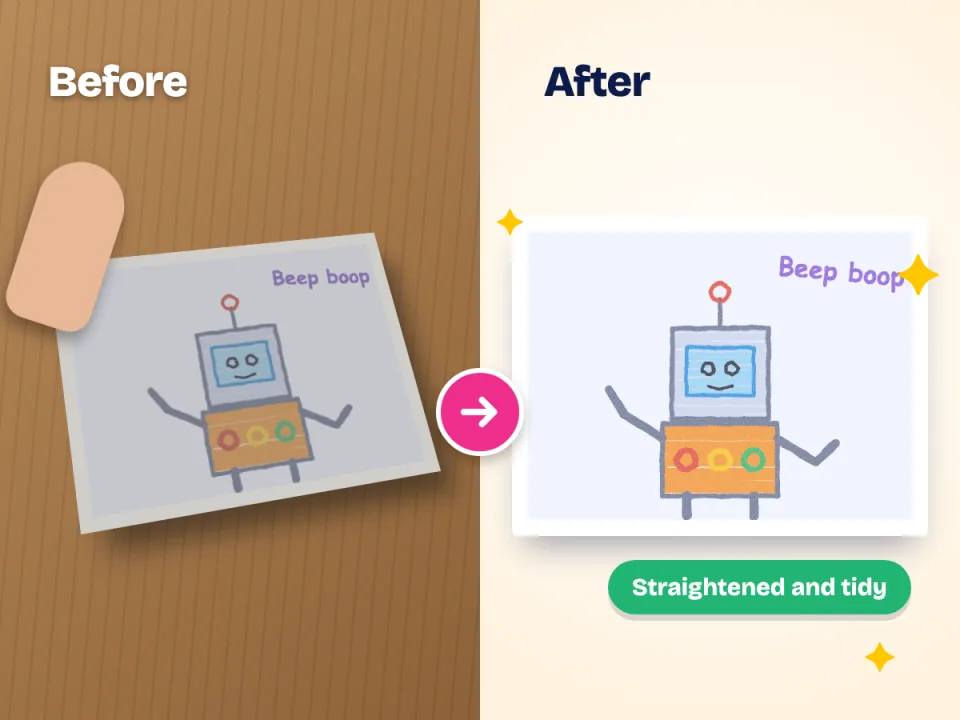
Snap it
Point your camera at the drawing. Squiglet finds the edges, straightens the picture and evens out the light, even if you took it on a crowded kitchen table.
-
Keep it
Pick the child, add a title or a note if you like. Everything lands in a tidy gallery, month by month, and the original is stored untouched.
-
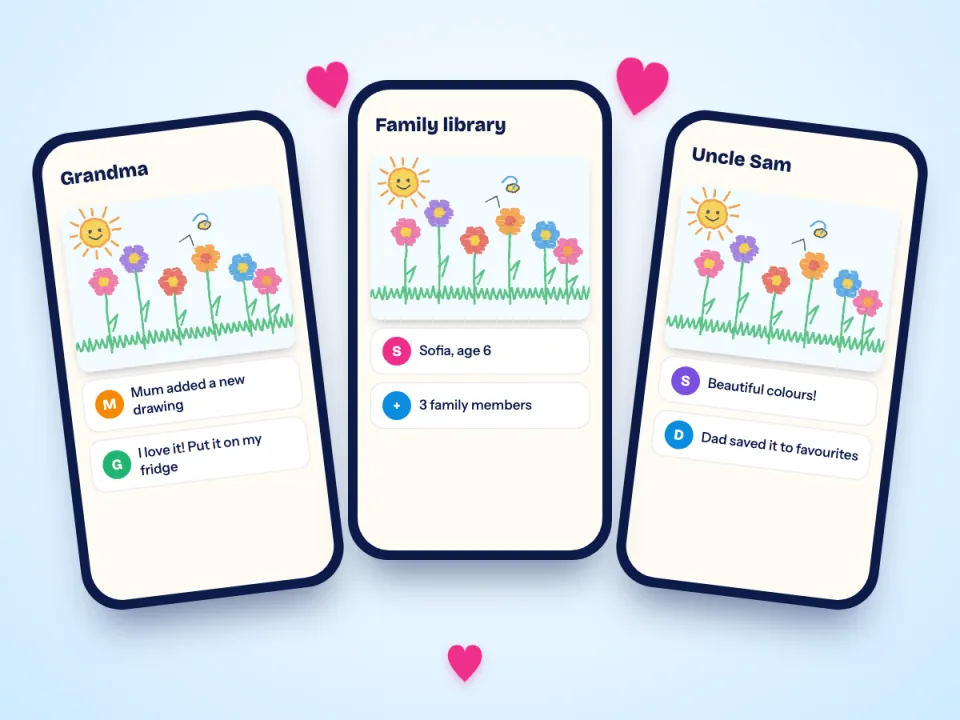
Share it and print it
Invite grandparents so they see every new masterpiece. When you are ready, turn the favourites into a book, a print or a phone case.
The app
A calm, simple app that the whole family can use
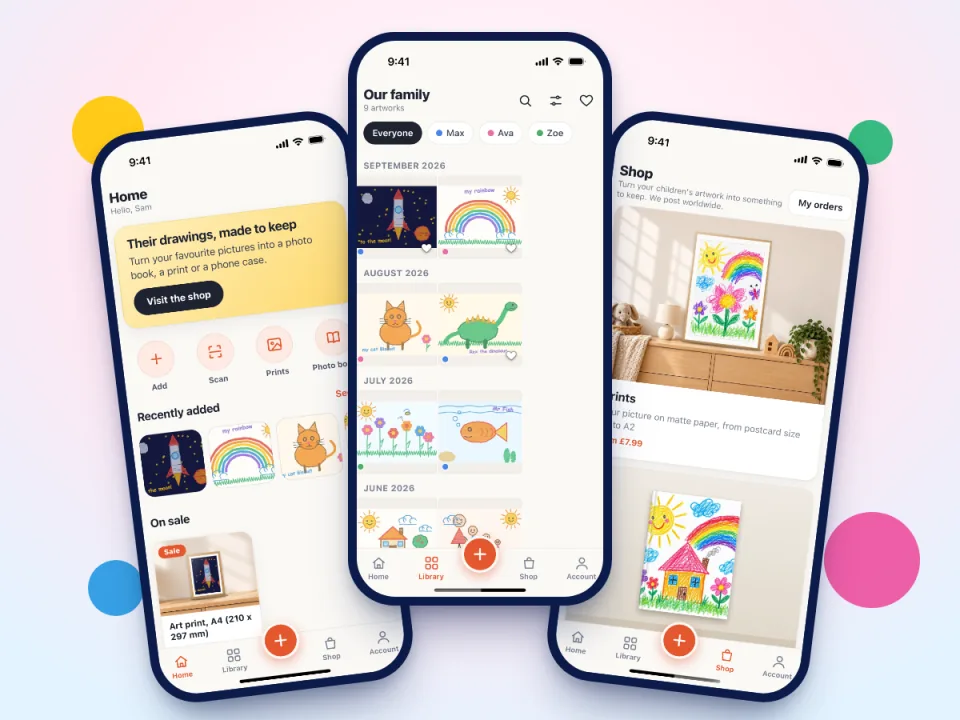
Squiglet is built for busy parents and for grandparents who do not like fiddly apps. A big gallery of pictures, a plus button, and everything else a tap away.
- Home, gallery, Shop and Account: four places, nothing hidden
- Big pictures, clear words, no clutter
- Works on iPhone and Android
- Your gallery is the same on every phone
Scan
Tidy scans from a wobbly phone photo
Crooked, shadowy photos make drawings look flat. Squiglet's scanner lines the page up for you and cleans up the background, so the colours your child chose are the colours you keep.
Take one at a time or choose a whole pile from your camera roll.
- Straightens and crops automatically
- Even lighting, no shadow from your hand
- Crop, rotate and adjust afterwards if you want to
- The untouched original is always kept as well
Everything in one place
Made for families who keep everything
A gallery for each child
Every child gets their own timeline. Filter by child, favourites or month and find any picture in seconds.
Family sharing
Invite parents, grandparents and godparents by email. They see new pictures as they arrive and you decide who can add.
Find out moreFavourites for everyone
Each person keeps their own favourites, so Grandma's top ten does not have to match yours.
Edit and fix
Crop, rotate and adjust brightness or colour. The edit is applied to a copy, so the original is never touched.
Private by design
Your gallery is private to your family. Our support team cannot see your children's names, titles or notes.
Find out moreYours to take away
Download the whole family gallery whenever you like, full size, in a single export. Delete everything any time.
Family
Grandma sees every masterpiece, the moment it exists
Invite relatives to your family gallery and they get a note when new pictures arrive. No sending photos one by one, no group-chat clutter, and nobody needs to remember where the drawing went.
- Invite by email, remove anyone at any time
- People who can view and people who can add
- A link to share a single picture with someone outside the family
- A gentle Sunday reminder if you have not added anything this week
The shop
Turn the favourites into something to hold
Printed to order, posted to your door. Design it in the app and see exactly what you are getting before you pay.
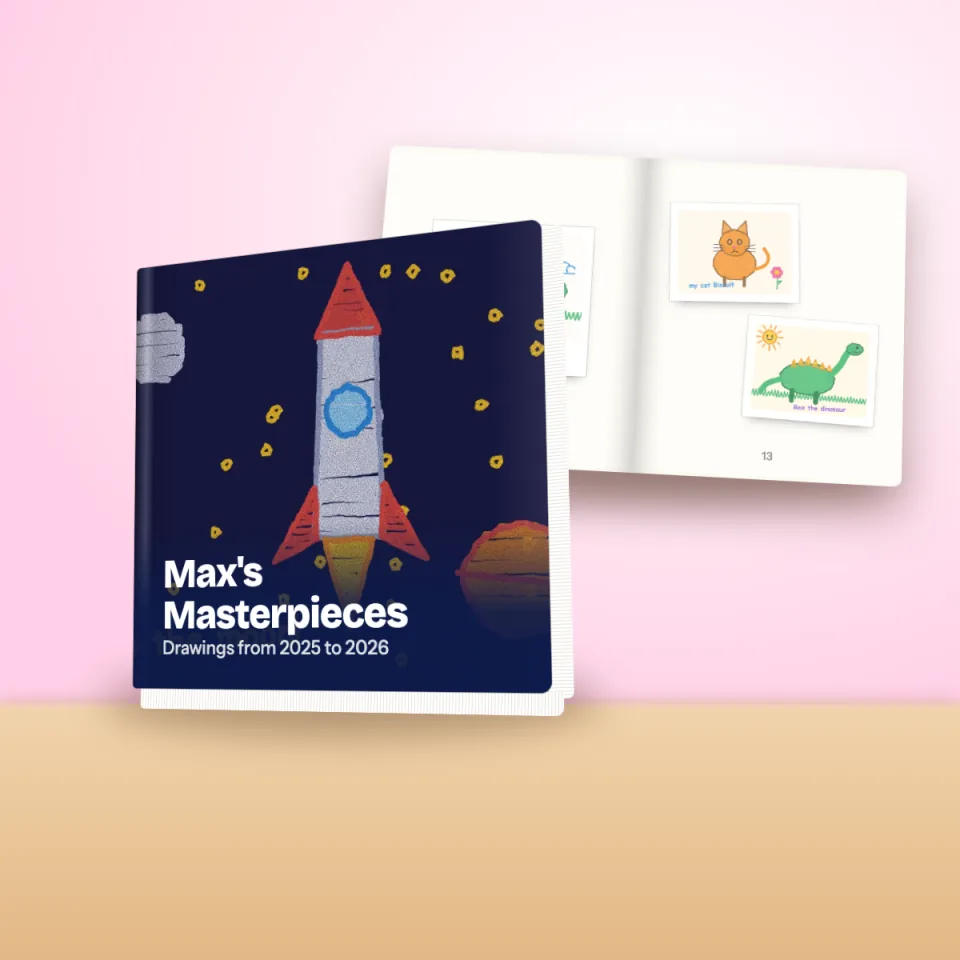
Photo books
A hardcover or softcover book of a year of drawings, with captions and a cover your child will recognise.
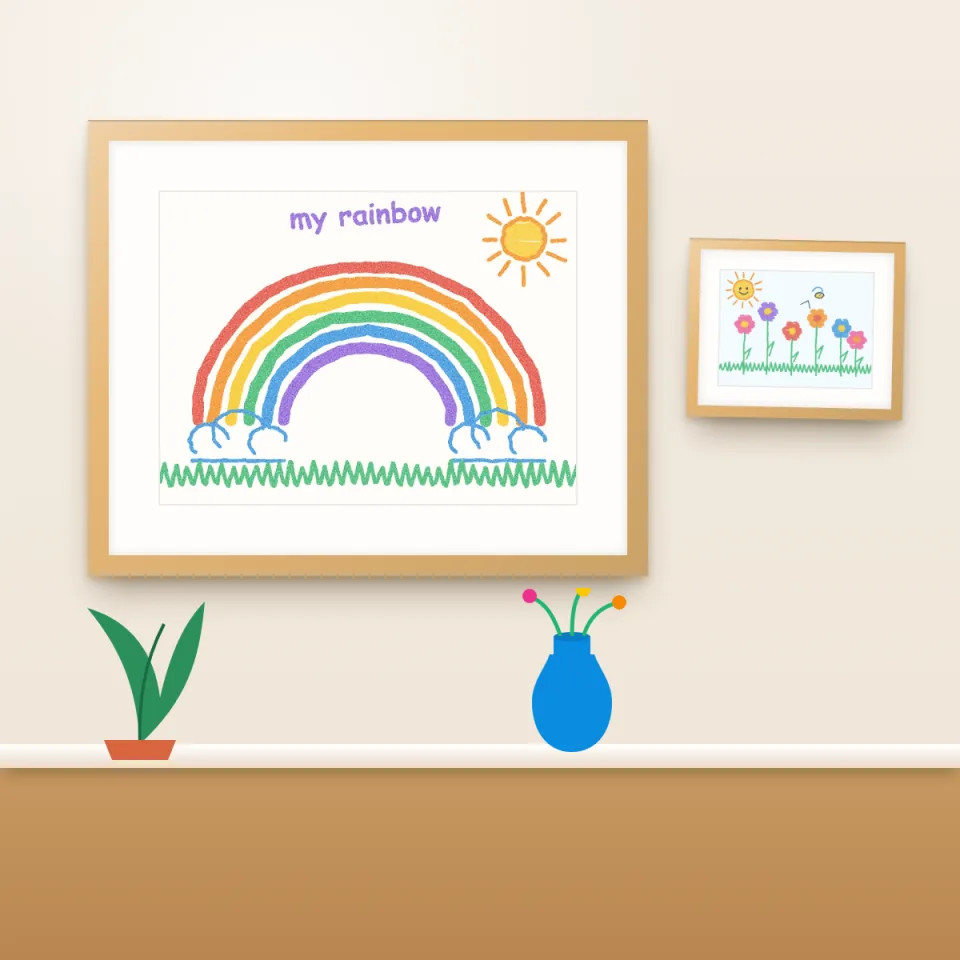
Art prints
Archival matte prints from A5 to A2, ready for a frame and a proud spot on the wall.
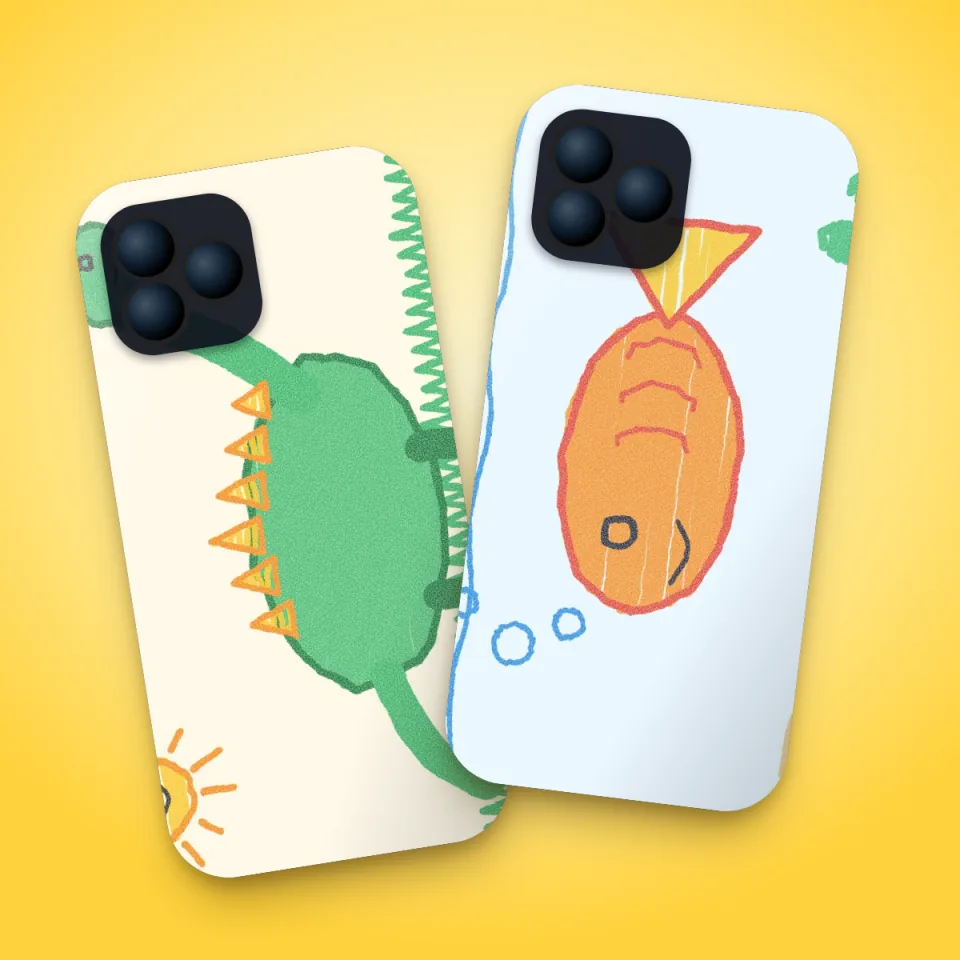
Phone cases
Carry the masterpiece everywhere. Printed edge to edge on a protective case.
Private
Built to keep children's drawings private
Children's drawings often have their names on them and say something about home. We treat them that way.
- Only the people you invite can see your family gallery
- Our support team cannot see your children's names, titles or notes
- Your originals are stored exactly as you took them
- Export everything or delete your account whenever you want
Compare
How does Squiglet compare?
Honest, dated, side-by-side comparisons, including where the other option is the better choice.
Squiglet vs Artkive: kids' artwork compared
Two ways to turn a pile of children's drawings into a keepsake book: scan it yourself with an app, or post the originals to a service.
Squiglet vs Keepy: kids' artwork apps compared
Two apps for keeping and sharing kids' art. One is built around stories and voices; the other around tidy scans, a family gallery and thing…
Squiglet vs your camera roll and Google Photos
Most parents start with the camera roll. When is that enough, and when is a dedicated app worth it?
Guides
Helpful guides for parents
Practical advice on keeping, photographing, displaying and sharing your child's artwork.
How to Store Kids' Artwork: 9 Ideas That Actually Work
A calm, practical plan for the drawings, paintings and school projects that arrive faster than you can find places for them.
How to Photograph Your Child's Artwork (So It Looks Great)
Ten simple habits for clear, colourful photos of drawings and paintings, using nothing but your phone and a window.
How to Decide What Kids' Artwork to Keep (and What to Let Go)
You do not have to keep everything to honour it. A gentle framework for choosing what stays.
Questions
Good to know
What is Squiglet?
Squiglet is an app for keeping your children's artwork. You photograph a drawing, painting or piece of schoolwork; Squiglet tidies the picture, files it under the right child and stores the original safely. You can share the gallery with family and order books, prints and phone cases of the favourites.
Is Squiglet free?
It is free for your first 30 artworks, with all features included. If your family keeps more, Premium is £24.99 a year for unlimited artwork, and it takes 10% off everything you order from the shop. Books, prints, cases and postcards are paid products and you only pay when you order. See the pricing page.
Does it work on iPhone and Android?
Yes. Squiglet is built for both iPhone and Android, and your family gallery is the same on every phone.
What happens to my original photos?
They are kept exactly as you took them. When you crop, rotate or adjust a picture, Squiglet makes a new version from the original and leaves the original alone.
Who can see my children's artwork?
Only the people you invite to your family gallery, and anyone you send a share link to. Our support team cannot see your children's names, titles or notes. Read more on the privacy page.
Where do you deliver?
We deliver to the UK, Ireland, the USA, Canada, Australia, New Zealand and most of Europe, and prints go to 29 countries in all. You see what is available for your address, and the delivery cost, before you pay.
Give your child's drawings the home they deserve
Download Squiglet free and start keeping their drawings today.
Coming in a few daysFree for your first 30 artworks. All features included. No card needed.